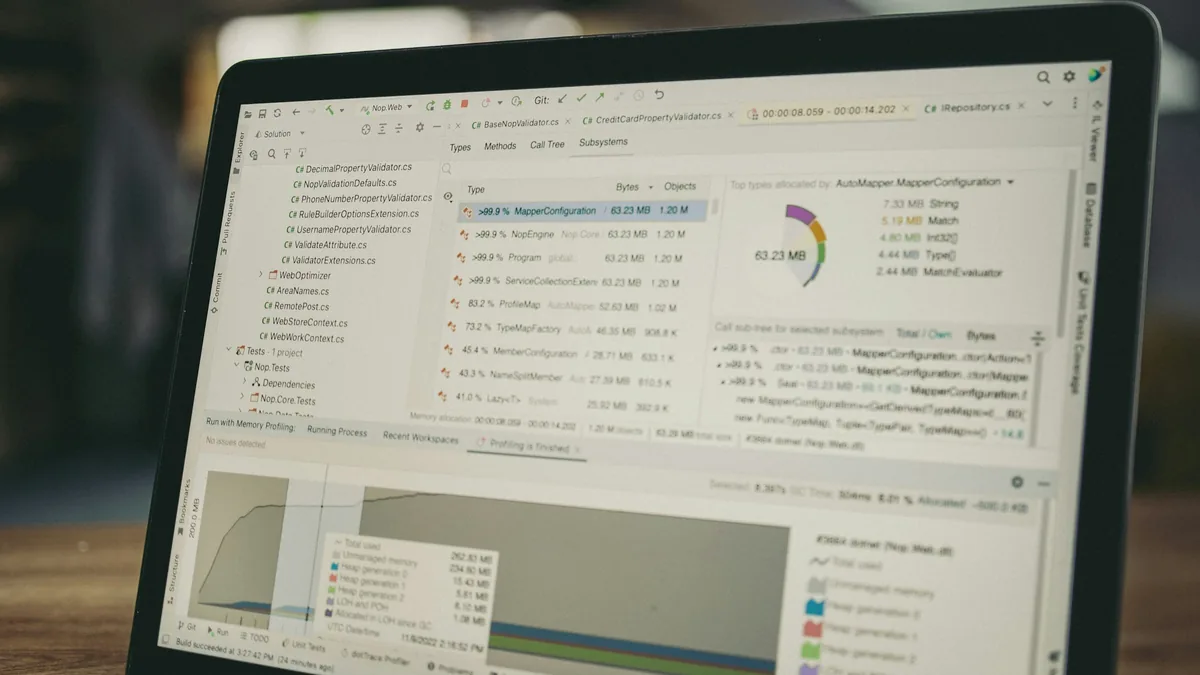

A slow website loses visitors before it even shows content — and signals a poor experience to Google. The good news: most slow websites suffer from a few well-known problems (heavy images, too many scripts, missing cache, weak hosting), and all of them can be fixed. This guide shows how to measure, what to fix first and how to keep the site fast.
Why does website speed matter so much?
Two reasons: people and rankings. People abandon pages that take too long; every second of waiting is direct friction on conversion — Cloudflare sums it up: speed directly affects conversion rate, bounce rate and user experience. And Google uses page experience signals — measured by the Core Web Vitals — as part of ranking, besides indexing the mobile version of your site first.
Quick summary
- Measure before touching anything: PageSpeed Insights, Lighthouse and GTmetrix are free.
- The three key thresholds: LCP ≤ 2.5 s, INP ≤ 200 ms, CLS ≤ 0.1.
- Images and caching solve most common cases.
- Excess plugins and scripts are the silent villain on WordPress sites.
- Performance is a routine, not a one-off project: monitor after every change.
How to measure your website's speed
Start with PageSpeed Insights: it combines lab tests with real Chrome user data (CrUX) when available — always prioritize the mobile tab. To dig deeper, Lighthouse (built into Chrome DevTools) details every opportunity, and GTmetrix lets you test from different locations.
The official Core Web Vitals targets
Google defines clear thresholds for the main loading metric, LCP (Largest Contentful Paint — the time until the largest element appears on screen):
Official LCP thresholds — time until the main content appears (seconds)
Source: official Core Web Vitals thresholds (web.dev/Google). The other two metrics: INP ≤ 200 ms and CLS ≤ 0.1.
The attack plan, in the right order
1. Images (the fastest win)
Convert photos to WebP or AVIF, resize to the real display size (do not upload 4000px photos for an 800px slot), enable lazy loading for below-the-fold media and set width/height to avoid layout jumps. This package alone often cuts page weight in half on photo-heavy sites.
2. Caching and compression
Enable page caching on the server (or via plugin on WordPress), gzip/brotli compression and expiration headers for static files. A CDN brings content closer to visitors and relieves the origin server.
3. Scripts and plugins
Every plugin and every third-party script (chat, pixels, heatmaps) adds weight and blocks rendering. Take inventory: whatever does not deliver proven value goes. What stays loads deferred whenever possible. On WordPress, a bloated theme plus 30 plugins is the classic recipe for slowness.
4. Optimize LCP specifically
Identify which element is your page's LCP (usually the hero image or headline) and prioritize its loading — the Optimize LCP guide (web.dev) details the techniques: preload the critical image, serve it from your own domain and remove whatever blocks rendering before it.
5. Hosting and infrastructure
If TTFB (time to first byte) is still high after all of the above, the bottleneck is the server: very basic shared hosting cannot handle traffic spikes or heavy PHP/database work. Migrating to an adequate plan is often the last — and sometimes the most impactful — step. The whole performance curriculum is gathered in the free Learn Performance course (web.dev).
Performance is ongoing maintenance
A fast site today can be slow in six months: new plugins, unoptimized photos, accumulated marketing scripts. Measure monthly, monitor Core Web Vitals in Search Console and treat speed as part of the website maintenance routine. Performance is also groundwork: in Due's website projects, Core Web Vitals thresholds are a requirement from the design stage. And if your goal is better rankings, speed is just one pillar — see the full guide on how to rank on Google without paying for ads.
Key takeaways
- Measure on mobile: that is where the traffic is and what Google grades.
- Targets: LCP ≤ 2.5 s, INP ≤ 200 ms, CLS ≤ 0.1.
- Attack order: images → cache → scripts → LCP → hosting.
- Re-measure after every change: performance regresses silently.
Conclusion
Speeding up a website is not magic: it is correct diagnosis and fixes in the right order. If your site is driving customers away with delays — or you want it born fast — Due Web Studio handles performance and SEO optimization with measurable targets. Send us your website address and get an honest diagnosis of what can improve.
FAQ