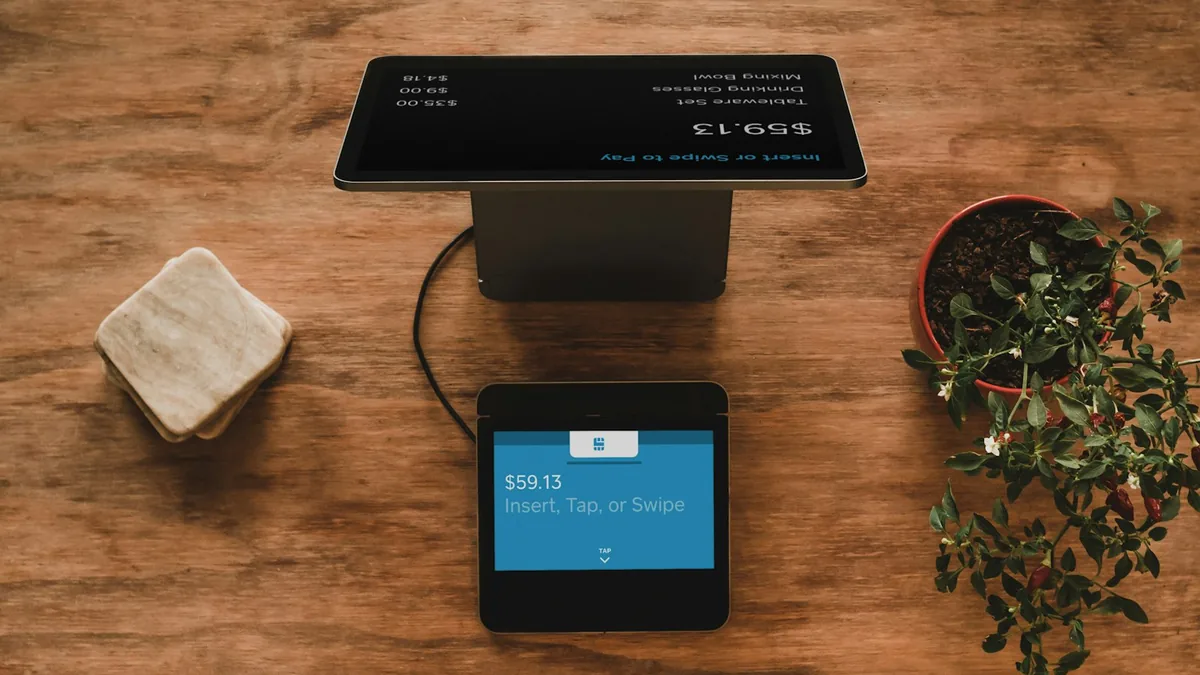

Creating an online store from scratch takes eight steps: define product and audience, register the business, choose the platform, set up payments and shipping, build the catalog, prepare trust pages, launch and — the part that separates stores that sell from stores that stall — attract qualified traffic. This guide walks the full path with practical decisions at each step.
How do you create an online store from scratch?
The technical process is simpler than it used to be: modern platforms handle cart, checkout and security. What remains hard is the business — a product with a differentiator, pricing that closes the math with shipping and fees, and a customer acquisition plan. That is why this guide covers both sides: building the store and the strategy to make it sell.
Quick summary
- Validate product and margin before investing in structure.
- Platform: Shopify (convenience) or WooCommerce (control) covers most cases.
- Payments through consolidated gateways: cards and local methods from day 1.
- Product pages with real photos and original copy sell — and rank.
- Traffic is oxygen: combine ads (short term) and SEO (long term).
Step 1: product, audience and margin
Before any tool, answer: what do you sell, to whom, and why would they buy from you instead of the competitor? Calculate the real margin per order: sale price minus product cost, packaging, subsidized shipping, payment fees, marketplace commission (if used) and acquisition cost from ads. Many stores go broke selling well — at a negative margin.
Step 2: business registration
With a registered company you can issue invoices, get better payment gateway rates and negotiate with suppliers and carriers. It is not mandatory to start testing, but it unlocks professional operation.
Step 3: choosing the platform
The two most common routes: Shopify, a complete subscription platform (plans on the official page), and WooCommerce on WordPress, free and flexible (setup in the official documentation). We compare both in detail in Shopify vs WooCommerce: which to choose — in short, the decision hinges on who operates the store and which integrations are mandatory.
Step 4: payments and shipping
Enable cards (with installments where relevant) and popular local payment methods from launch — every missing method is a lost sale. Compare gateway fees and included anti-fraud. For shipping, integrate a solution that quotes carriers automatically and set a clear policy: free shipping above a minimum value is the most common incentive to raise average order value, but it must fit the margin calculated in step 1.
Step 5: a catalog that sells
- Real, in-context photos: a product in use sells more than a lone white-background shot.
- Original copy: copying the supplier's description creates duplicate content — bad for SEO and conversion. Write benefits, measurements, materials and FAQs.
- Clean categories: a shallow, logical structure (2–3 levels) helps customers and Google, as advised in Google's SEO starter guide.
- Reviews early: ask for a review after delivery; social proof is the biggest doubt reducer.
Step 6: trust pages
A new store must prove it exists: an "About us" page with a real story, clear exchange and refund policies, visible delivery times, company details in the footer and contact channels that actually answer. SSL (HTTPS) is mandatory — without it, browsers flag your checkout as "not secure".
Step 7: a technically solid launch
Before promoting: test a full purchase (including refund), check the store on a phone — most traffic is mobile, and Google uses mobile-first indexing —, measure speed with PageSpeed Insights and register the store in Google Search Console to track indexing.
Step 8: traffic — the store's oxygen
No visits, no sales. Combine two engines: ads (Google Shopping, Meta) for immediate results at a cost per click, and organic (SEO + content + Google Business Profile) to build recurring sales with no cost per visit. Organic takes months, but it compounds: every well-ranked product page and guide becomes a permanent salesperson.
Typical first-year investment split for a new store (Due Web Studio estimate)
Due Web Studio estimate based on small e-commerce projects; the split varies by niche and acquisition model. The core point: building the store is only part of the budget — reserve funds to bring people to it.
Mistakes that stall new stores the most
- Spending everything on structure and nothing on traffic: a beautiful, empty store earns nothing.
- Ignoring shipping in pricing: subsidized shipping without math destroys margin.
- Supplier photos and descriptions: identical to dozens of competitors.
- Checkout friction: long mandatory sign-ups and few payment options kill conversion.
- Abandoning the live store: without updates, promotions and content, momentum dies.
Key takeaways
- Validate margin before investing; the per-order math must close with shipping and fees.
- The platform is a means, not an end: choose by operation and integrations.
- Original catalog + trust pages = the conversion foundation.
- Budget for traffic: that is what makes the store turn.
Conclusion
Creating an online store from scratch is a business project with a technical layer — and both parts need to be done well. If you want to skip the technical learning curve and launch with a professional structure, Due Web Studio builds Shopify stores and WordPress e-commerce with exclusive design, integrations and SEO from the ground up. Talk to us and turn your plan into a live store.
FAQ